Field viewTM-2026-0142
T&M Ticket running total
16.00
Hours
- Lines
- 7
- Rates
- Not shown
Hours and line counts, no rates, thumb-reachable actions.
01/T&M work, approved and ready to invoice
No ERP project. No implementation team. Your crew logs a ticket on day one and your client approves it from an email link the same week.
2 min. No signup.
Twenty minutes, no slides. We walk your tickets through capture, approval, and invoice-ready backup.
Send us one real field ticket. We send back a priced office copy and a non-priced field copy within two business days.
02/What the delay costs
Rough math, using your own numbers. Nothing is sent anywhere and nothing is stored.
Dollars in the gap
$320,000.00
T&M work already performed, not yet invoiced, at any given moment.
Recovered by cutting 10 days
$133,333.33
Cash pulled forward, one time, by shortening the approval cycle.
Estimate only, based on a 30-day month and even billing distribution. It ignores retainage, disputed line items, and payment terms.
03/In production
Built for industrial and energy-services contractors, and proven in daily production: 200+ users onboarded across attendance and T&M ticketing in a live industrial field operation.
Purpose-built for U.S. specialty trade and energy-services contractors who live on T&M work.
04/Where the margin goes
Every T&M dispute starts with a gap in the field record. These are the four that quietly cost you the most.
Paper tickets end up wet, folded in a truck, or illegible by the time payroll needs them.
Rates and totals scatter across spreadsheet tabs and "final_v9" PDFs nobody trusts.
Billing arguments come down to who kept the best paper trail, and the client usually wins.
Billable time slips between the jobsite and the invoice and never lands on a job code.
FieldHarbor closes every one of these gaps, from the first tap in the field to the approved invoice.
05/The route
Crew chief logs labor, equipment, materials, photos and a signature from the site.
The project manager checks the ticket, applies rates, and advances it for approval.
A branded link lets the client approve or reject in one tap, with no login required.
Batch approved tickets into a priced PDF and accounting CSV, ready to bill.
06/The field / the office
The same ticket, shown the right way for each person. The field surface is built for big tap targets and minimal typing. The office surface is built for dense tables, filters, and dollars.
T&M Ticket running total
16.00
Hours
Hours and line counts, no rates, thumb-reachable actions.
T&M Ticket running total
$12,480.00
Priced total
Status
Ready to invoice
Priced rollups, aging, and one-click invoice batches.
Pricing is role-gated end to end. Crew chiefs enter hours and quantities and never see a rate, cost, or total. Managers, admins, and finance see the priced rollup. Same ticket, the right numbers for the right person.
07/What is in the system
One system for the crew chief filling out a ticket and the project manager getting it billed.
Build a ticket from a catalog of labor, equipment, materials and extras. Pick a trade class, enter hours, watch the running total update live.
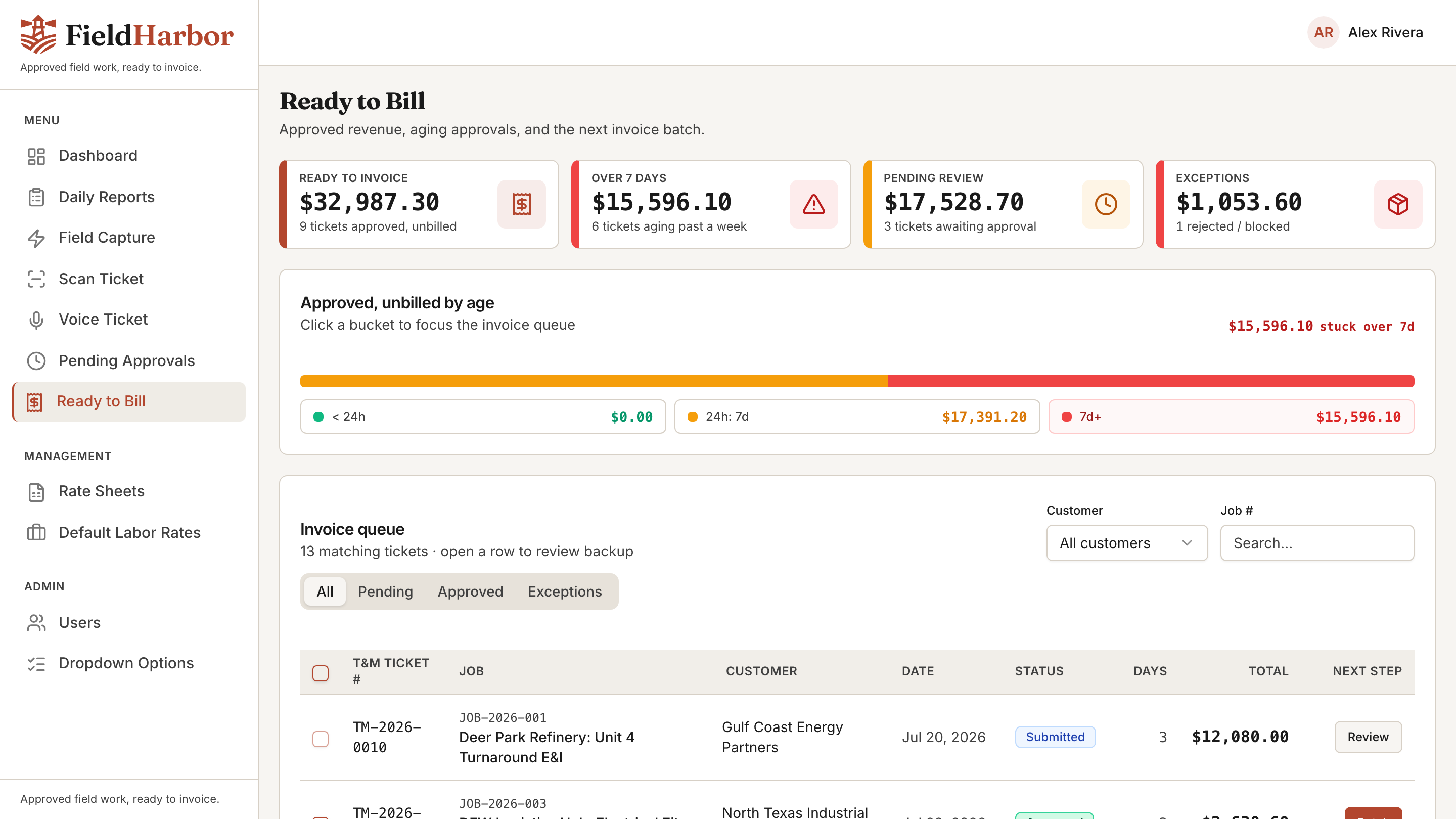
See what is ready to invoice, what is pending, and what is aging past 7 days, then filter, review, and act without leaving the page.
Crews snap site photos, add captions, and capture a signature on a phone, even with gloves on. Organization happens automatically.
Admins manage labor, equipment, material and extras rates right in the app, the single source the whole workflow prices against.
Send a clean, branded, read-only ticket by email. The client approves or rejects in one tap, with no account and no login required.
Select approved tickets, preview a combined priced PDF and a clean accounting CSV, then export and mark them billed.
08/Why teams switch
Paper, spreadsheets, and office-first project suites all break at the same place: the field.
Paper, spreadsheets & generic PM suites
FieldHarbor
09/Managed deployment
Standard deployment is a Waltasoft-managed private instance. If your IT or contract requirements call for customer-owned infrastructure, we can deploy into your cloud environment and connect to approved systems during onboarding.
Security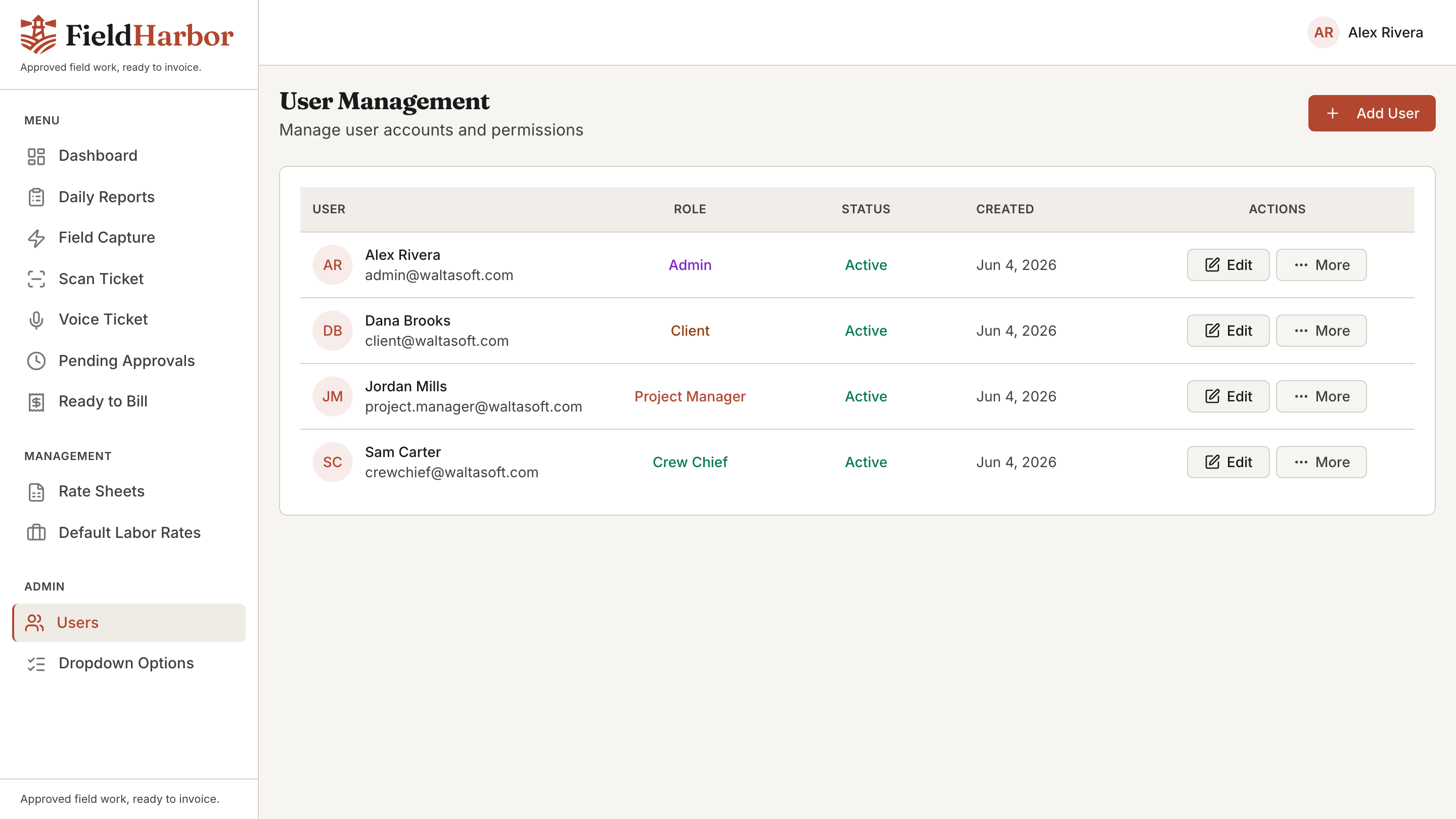
10/Reference
See your own jobs, trades, and rates in FieldHarbor: we'll set up the demo with your rate sheet.